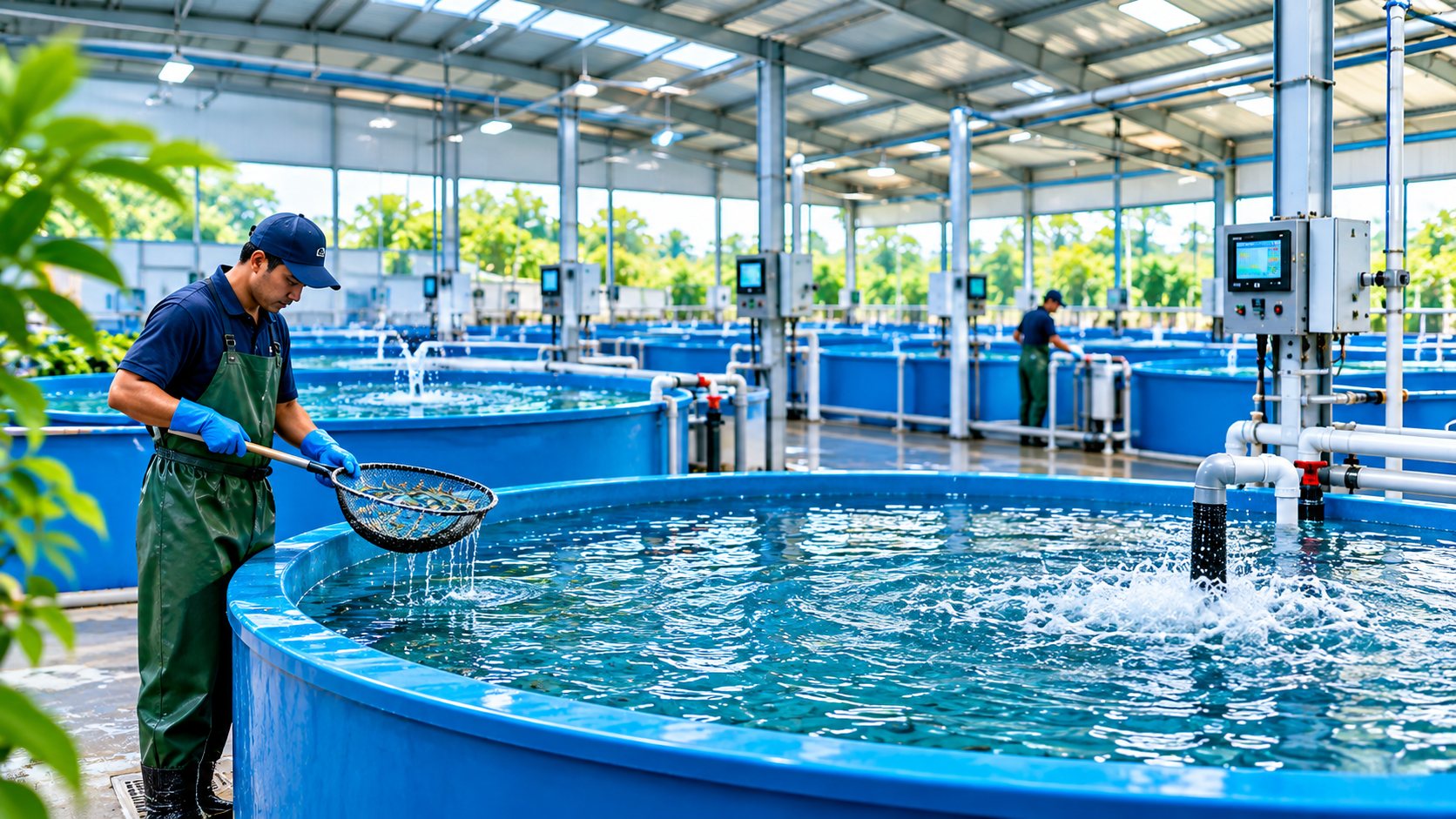
The hatchery cycle
Built around how a hatchery actually runs
Grow-out tools think in ponds and harvests. AquaHatchIQ thinks in spawnings, hatch rates and life stages, and keeps the link between them.
-
01
Broodstock
Groups by species and site, with female and male counts and their source.
-
02
Spawning
Each spawning with eggs collected and fertilization %, linked to its parent groups.
-
03
Incubation
Register the eggs as a batch in an incubator, counted in eggs.
-
04
Hatch
Record how many hatched; the batch switches to larvae and shows its hatch rate.
-
05
Larval rearing
Move through the stages you set for that species: nauplius to post-larva, zoea to crablet, larva to fry.
-
06
Grade and split
Split into more tanks, merge back, or transfer to another site. The family tree stays intact.
-
07
Close out
Final count, survival and feed used, ready for the batch report.
A day on the hatchery floor
One shift, recorded as it happens
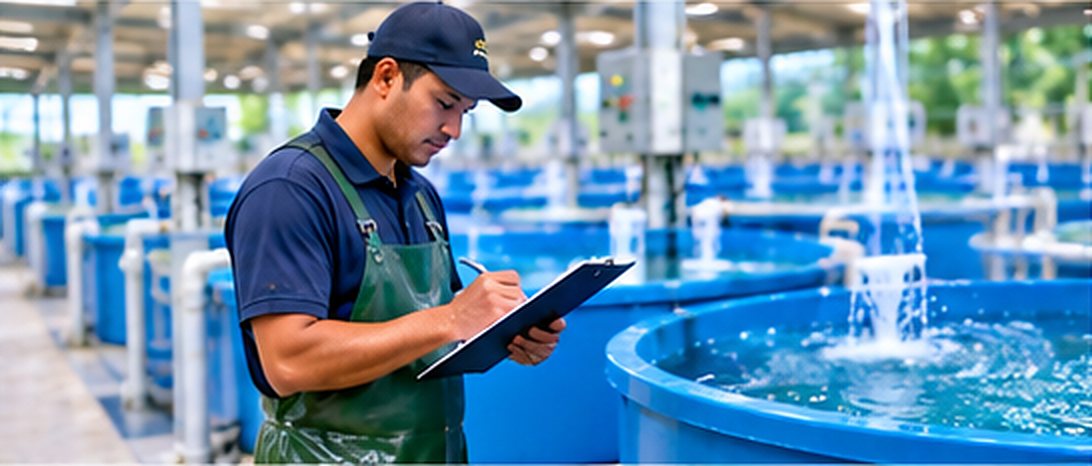
Technicians work from a phone at the tank. Managers see the same records on the dashboard as they come in.
-
Unit round
Pick a tank, then enter water readings, deaths and feed for every batch in it, all in one form.
-
Alert on dissolved oxygen
A reading outside the limits you set opens an alert. The water team acknowledges it and follows it up.
-
Health check and treatment
Log what you saw, the treatment given and its withdrawal period. The hold follows the batch, even into a split.
-
Artemia from the store
Feeding takes stock out of the right lot. When an item reaches its reorder level, the store team is told.
-
Recurring tasks
Clean biofilters, service blowers, count larvae. Checklists must be ticked before a task is finished.
-
Shift handover
Write what happened and what is next. The night shift marks it read, and the note is never edited afterwards.
Tank L2 · 2 batches
Modules
Nine parts, one set of records
Everything links to the batch and the tank, so a death, a reading or a bag of feed always shows up in the right place.
-
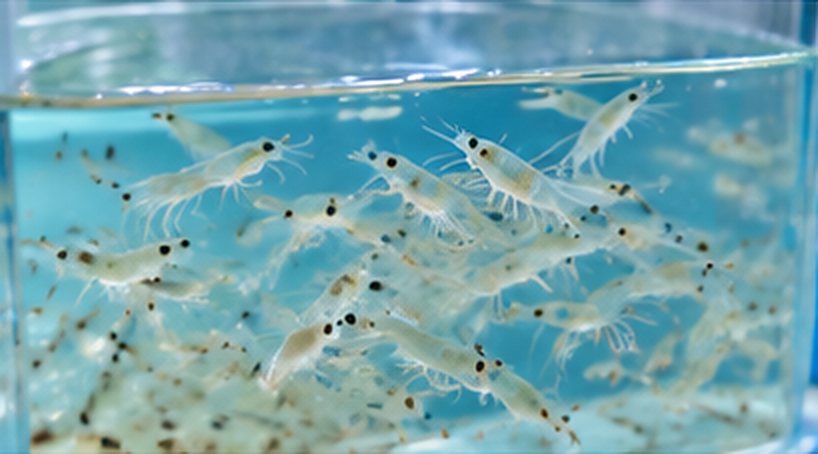
Batches and life stages
Every batch with its species, stage, tank and live count.
-
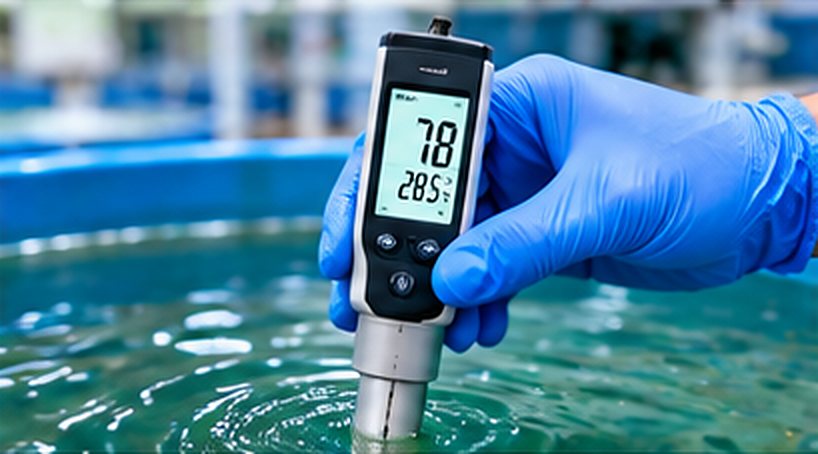
Water quality
Readings, your limits per site or tank, alerts and trend charts.
-

Health and biosecurity
Deaths with causes, checks, treatments, incidents.
-
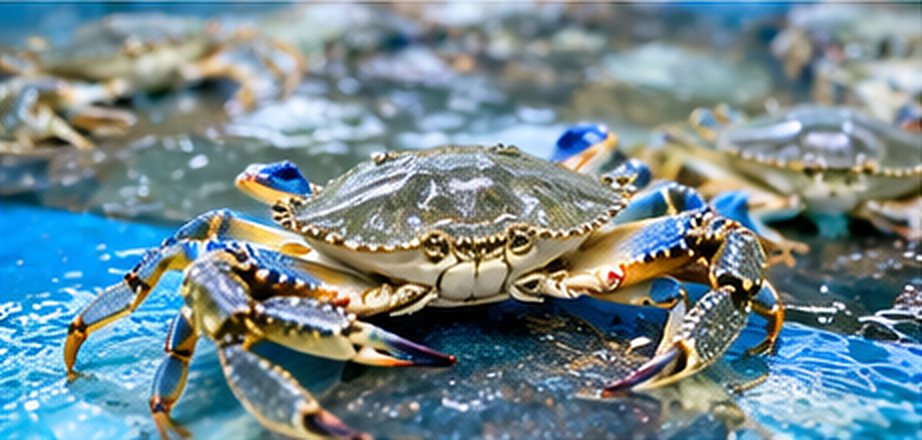
Broodstock
Groups, spawnings and egg batches.
-
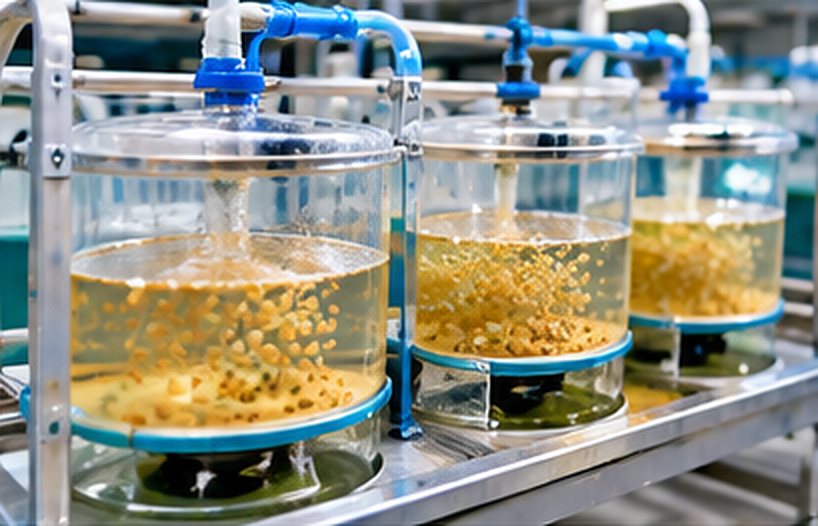
Hatch and genealogy
Hatch rate, splits, merges and the family tree.
-
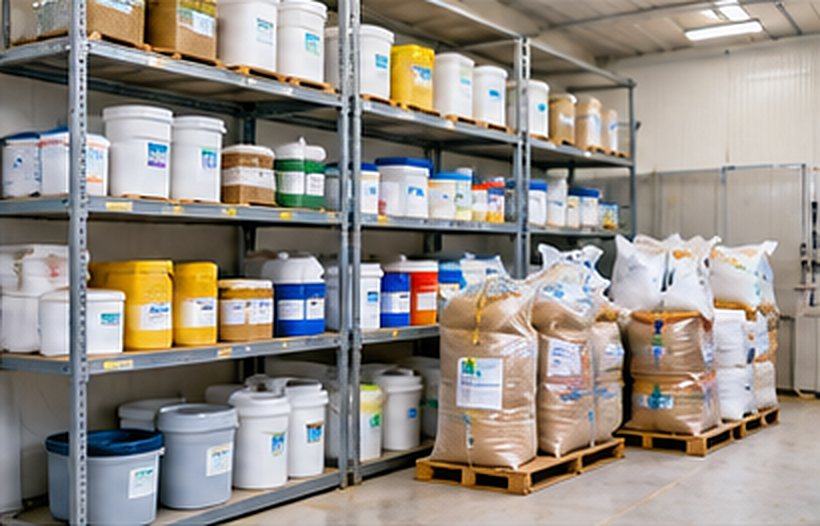
Feed and stock
Lots, expiry, reorder levels and transfers.
-
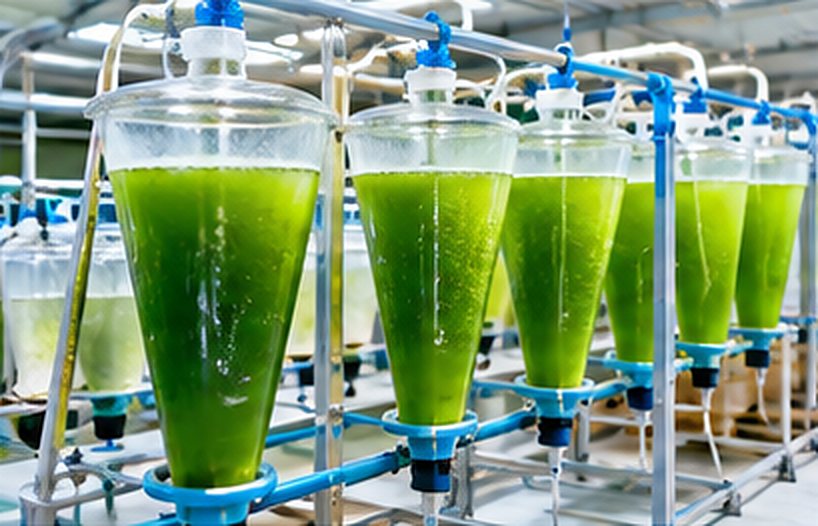
Feeding and growth
Feed per batch, weight samples and biomass.
-
Tasks and equipment
Rounds, checklists, servicing and handover.
-

Reports and exports
Survival, mortality, feed and stock, printed or as CSV.
Traceability
Ask any batch where it came from
Open a batch to see its broodstock, the spawning, the hatch, every split, merge and transfer between sites, and each treatment it had. That is the answer a buyer or an auditor asks for.
Example family tree
- BR-04 · broodstock, 12 females
- Spawning Oct 2 · 2.1M eggs
- SHR-L2-07 · hatched Oct 3 · 78%
- L2 · Thatta
- L5 · Thatta
- transferred to Keti
Your team
Ten roles, each with the access its job needs
Owners invite people by email and give each one a role. A technician records the round; an auditor can read everything and change nothing.
Run the organization
- OwnerEverything, including managing other owners.
- AdminEverything except managing owners.
- Site managerRuns daily operations, units, equipment and stock.
Work the tanks
- Hatchery technicianBatches, broodstock, feeding, deaths and tasks.
- Water-quality technicianWater readings, alerts and tasks.
- Health & biosecurity officerHealth reviews, treatments, incidents and alerts.
- Inventory & feed officerStock, deliveries, feeding and tasks.
Look, don’t touch
- Finance viewerView only, including reports.
- Read-only auditorView only.
A sales and orders role is reserved for when sales and orders are added.
Pricing
Priced by sites, tanks and people
Start with one hatchery for free. Move up when you add tanks, staff or another site.
Proposed plans. These tiers and prices are not final while billing is set up. No payment is taken, limits are not enforced, and every workspace has every module for now.
Prices for Kuwait (KW) in AED.
-
Starter
Free essentials for one small farm.
Free
- 1 site
- Up to 15 tanks and units
- Up to 3 team members
- Batches, life stages and counts
- Water readings and alerts
- Deaths and health checks
- Unit rounds and shift handover
-
Most hatcheries start here
Professional
More capacity for a growing farm team.
AED 1,400 / year
Save 17% · AED 140 / month if paid monthly
- 1 site
- Up to 80 tanks and units
- Up to 12 team members
- Everything in Starter
- Broodstock, spawning and hatch rate
- Treatments and withdrawal holds
- Feed store, tasks and equipment
- Reports with CSV download
-
Commercial
Higher limits and flexible team access.
AED 3,500 / year
Save 17% · AED 350 / month if paid monthly
- Up to 5 sites
- Up to 300 tanks and units
- Up to 40 team members
- Everything in Professional
- Batch and stock transfers between sites
- Full background exports
- Email alerts and reminders
-
Corporate
Flexible capacity for large operations.
AED 8,500 / year
Save 17% · AED 850 / month if paid monthly
- Unlimited sites
- Unlimited tanks and units
- Unlimited team members
- Everything in Commercial
- Help moving your existing records
- Set-up of species, stages and limits with your team
Bring your hatchery records into one place
Set up your sites, tanks and species in an afternoon, or talk to us about moving your spreadsheets over.
Set up your hatchery freeDo fish, shrimp and crab have to follow the same stages?
No. You set the life stages for each species yourself, for example nauplius, zoea, mysis and post-larva for whiteleg shrimp, or egg, larva, fry and fingerling for tilapia.
How do you count a batch of eggs or larvae?
Each batch has its own count unit, such as eggs, larvae or pieces, and each count is marked as counted or estimated. Hatching switches an egg batch to larvae and keeps the hatch rate.
Who sets the water-quality limits?
You do, for the whole organization, a site or a single tank, with the narrowest rule winning. AquaHatchIQ does not ship fixed limits; any starting values are for your own experts to review.
Can I correct a record entered by mistake?
Yes, through a void or an amendment with a reason, so the history is kept. Records are not silently deleted, and important changes are kept in an audit log.
Does AquaHatchIQ recommend treatments?
No. It records what your team observes and the treatments given, with the withdrawal period from the label or your vet, and holds the batch until it ends.
Can I run several hatcheries?
Yes. One organization can hold several sites, move batches and stock between them, and see reports per site. Each organization’s data is kept separate from every other customer.
Does it work at the tank side?
Yes. The unit round and the daily forms are built for a phone browser. An internet connection is needed; there is no offline mode yet.
What does it cost?
Plans and prices are still being finalized. Setting up a workspace is free today, and the plans below show what we expect to offer.